
Ring Camera Not Connecting? Why Your Wi-Fi is the Problem
Are your Ring cameras lagging or offline? Learn how Wi-Fi strength and 2K resolution speeds impact your security. Get a professional site survey from Protech Rescom.
Ricardo Gallegos
2/8/20262 min read
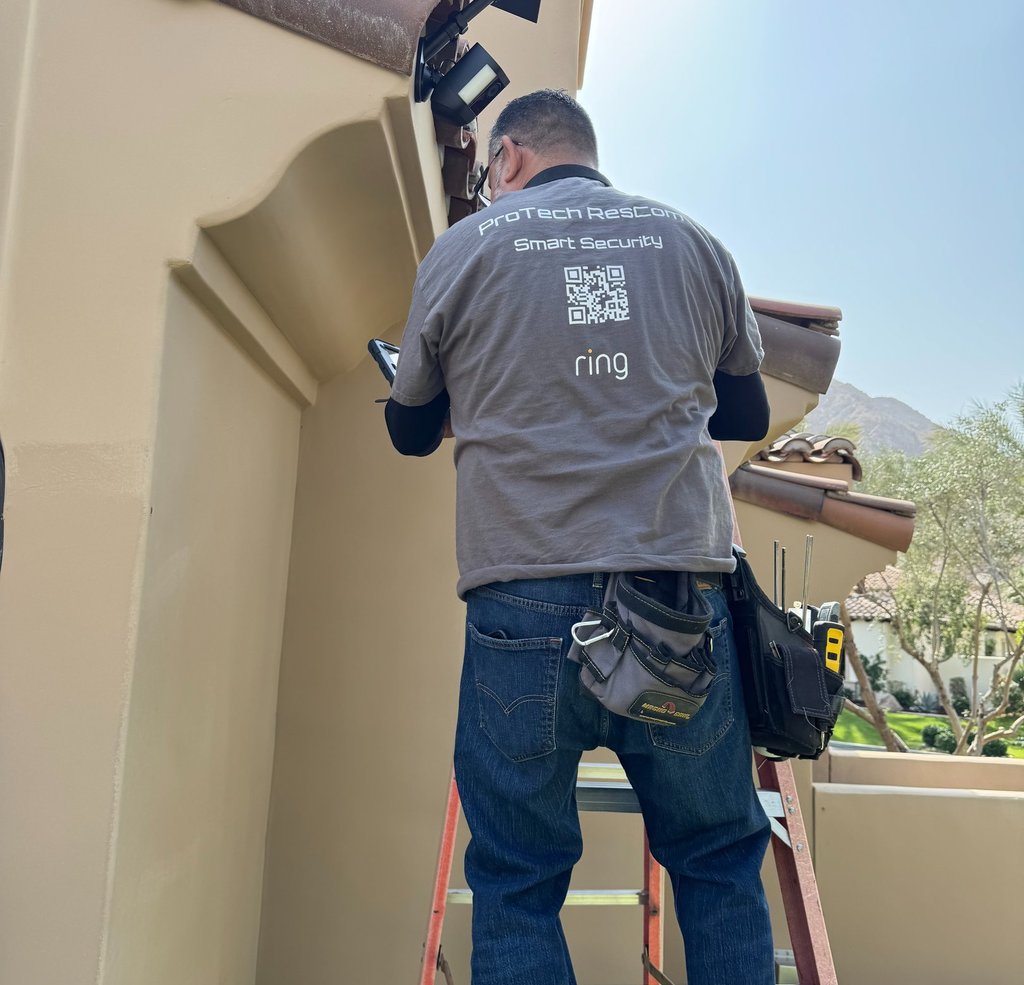
The Invisible Anchor: Is Your Wi-Fi Sabotaging Your Ring Security?
You’ve just unboxed your brand-new Ring Video Doorbell or Alarm system. You’ve pictured the peace of mind: crisp video and instant alerts. But then, the reality of DIY sets in—pixelated video, spinning wheels in the app, and "motion" alerts that arrive ten minutes after the visitor has left.
At Protech Rescom, we’ve diagnosed hundreds of these systems. The culprit is rarely the camera itself. The true foundation of your security is the Wi-Fi pulsing through your home. If that foundation is weak, your security is compromised.
1. The "Ghost" Notification (Signal Strength)
The most common issue is a weak connection at the mounting point. Exterior walls—built with brick, stucco, or stone—are "Wi-Fi killers." If your signal is weak, your camera struggles to maintain a "heartbeat" with the server.
The Result: Stuttering video, late notifications, or devices that constantly go "Offline."
The Fix: Don’t guess. Check the RSSI (Signal Strength) in your Ring App. If the value is higher than -60, your camera is starving for a connection.
2. The High-Res Speed Trap (Bandwidth)
Newer 2K and 4K high-resolution cameras provide incredible detail, but they are "data hungry."
The Issue: Standard 1080p cameras might get by on basic Wi-Fi, but 2K cameras require significantly higher upload speeds. If your internet plan is slow or your router is outdated, your high-res camera will ironically look worse than a low-res one because of heavy compression and lag.
The Fix: Ensure your internet plan offers at least 5-10 Mbps of upload speed per high-resolution device.
3. The Interference Overload
Your Ring Alarm sensors and cameras aren't the only things using the airwaves. Microwaves, baby monitors, and even your neighbor's router create "noise." When your Ring Alarm Base Station can't "talk" to a window sensor because of interference, you get false alarms or "tamper" alerts.
How Protech Rescom Guarantees Stability
Most DIY installations involve "mount and pray"—screwing the camera in and hoping it works. We take a different approach. Before we ever pick up a drill, we perform a professional Site Survey:
Signal Mapping: We measure the exact Wi-Fi strength and speed at every single camera location.
Congestion Analysis: We identify "dead zones" caused by mirrors, metal, or appliances.
Professional Recommendations: If your Wi-Fi is the weak link, we provide solutions—like mesh network nodes or specialized placement—to bridge the gap before the installation begins.
The Protech Quality Seal: Our Installation Health Check
We don't just walk away once the cameras are mounted. To ensure long-term reliability, we always perform a comprehensive Health Check at the end of each installation. We verify every device’s signal strength, test real-time notification speeds, and ensure your 2K streams are crystal clear.
Stop Guessing, Start Securing
Your home security is only as strong as the network it sits on. Don’t let a weak signal ruin a great investment.
Ready for a system that actually works when you need it? Contact Protech Rescom today for a professional site survey and installation. We make sure your foundation is rock solid so your family stays protected.